
Balance, Usage & Logs
Sign in to the KoboiLLM dashboard and select your team at the top. Visible data follows your permissions; ordinary members may see their own usage within the team.
Available balance
On Overview, Available balance is the team budget minus team spending. For example, a $25 budget with $6.25 spent leaves $18.75. Screenshot values are fictional.
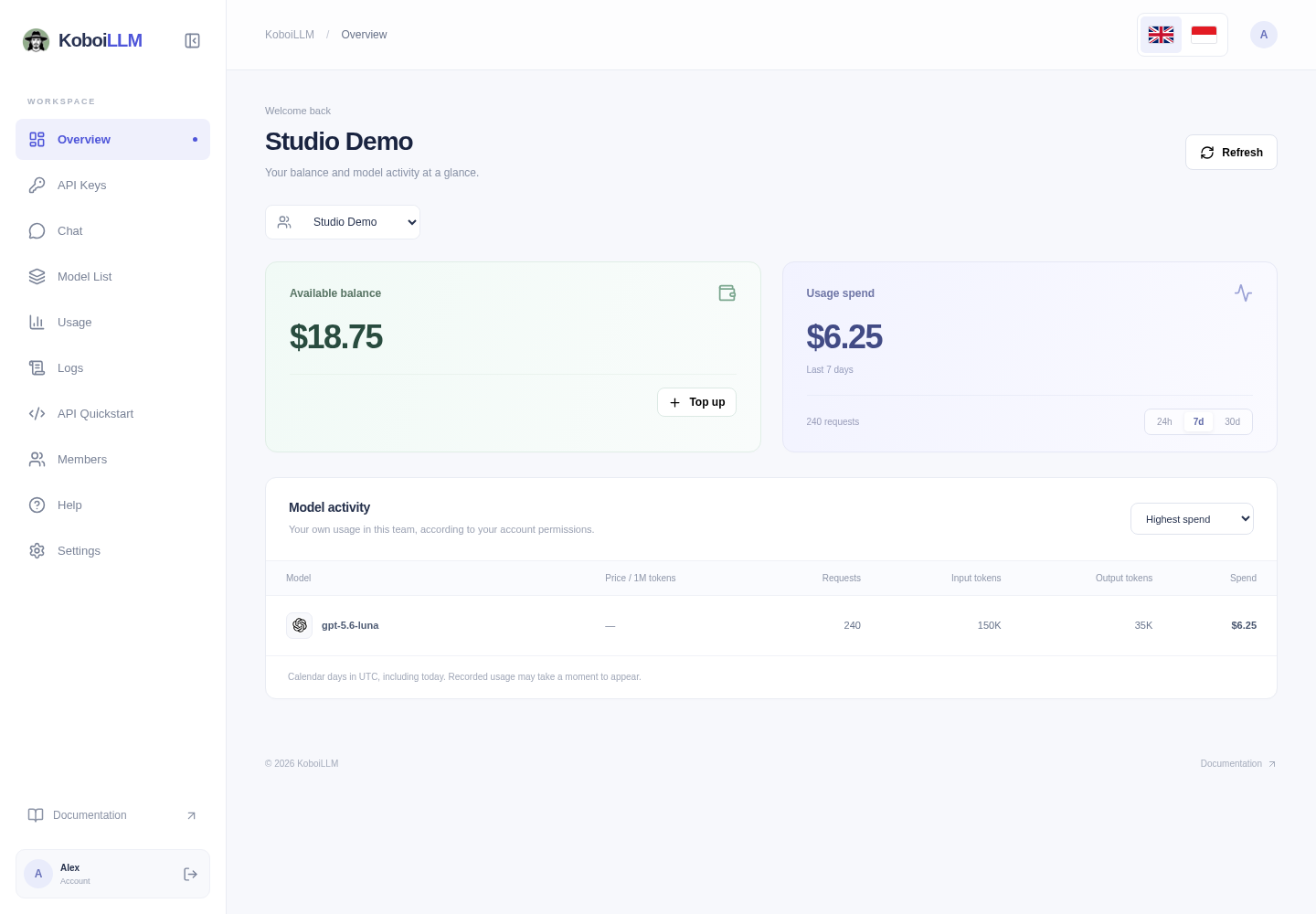
This balance is separate from spending in the selected reporting period. Changing 24h/7d/30d does not change the balance. Member and key budgets can limit requests even when the team has credit. Select Top up to add credit.
Usage
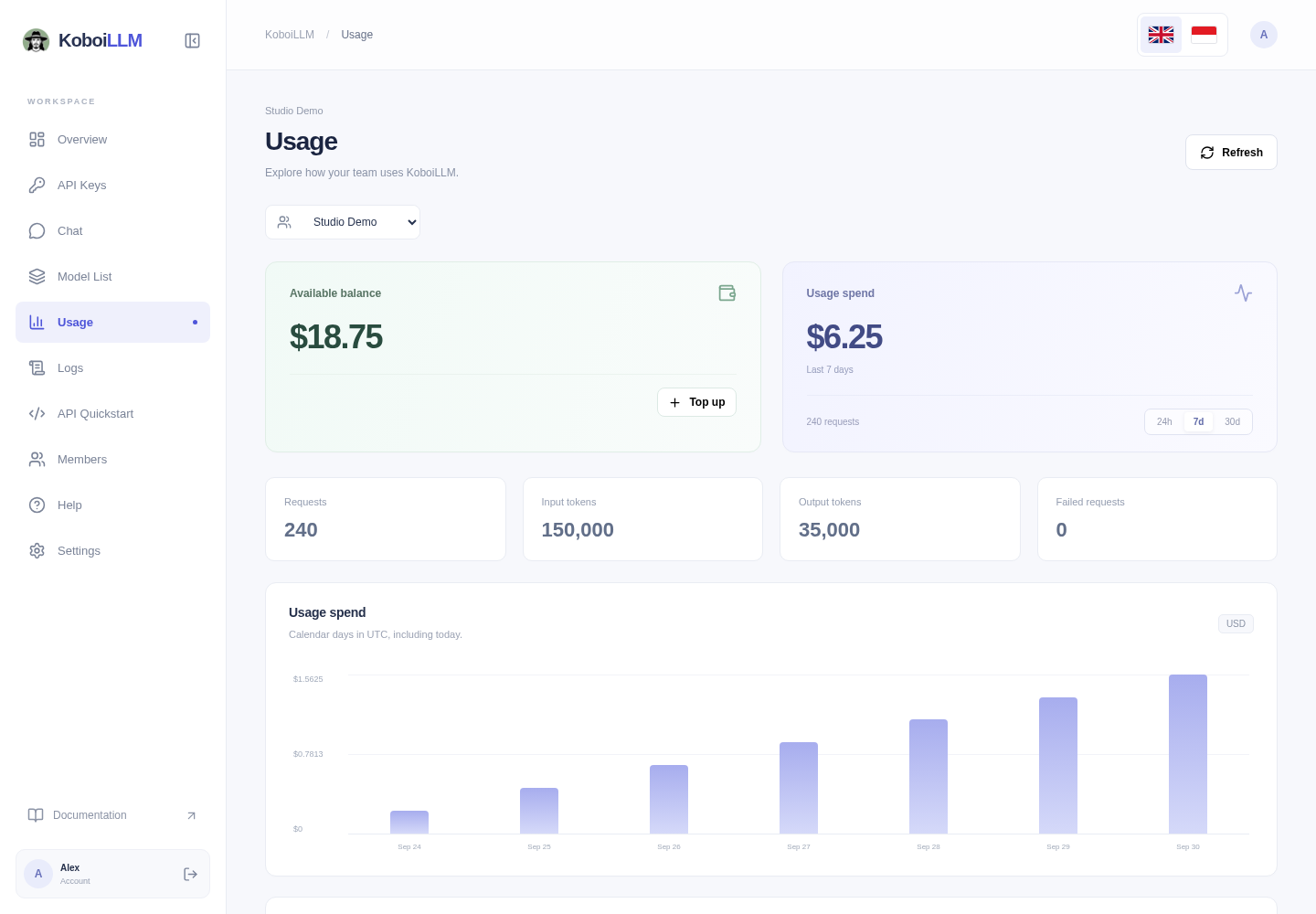
Open Usage for spending, request and token totals, daily charts, and activity by model. Select 24h, 7d, or 30d, and sort model activity by spend, requests, or tokens.
- 24h is a rolling 24-hour window.
- 7d / 30d use UTC calendar days, including today; day boundaries differ from local midnight in Indonesia.
- Recorded usage can take a moment to appear. Use Refresh after a request finishes.
Individual request logs
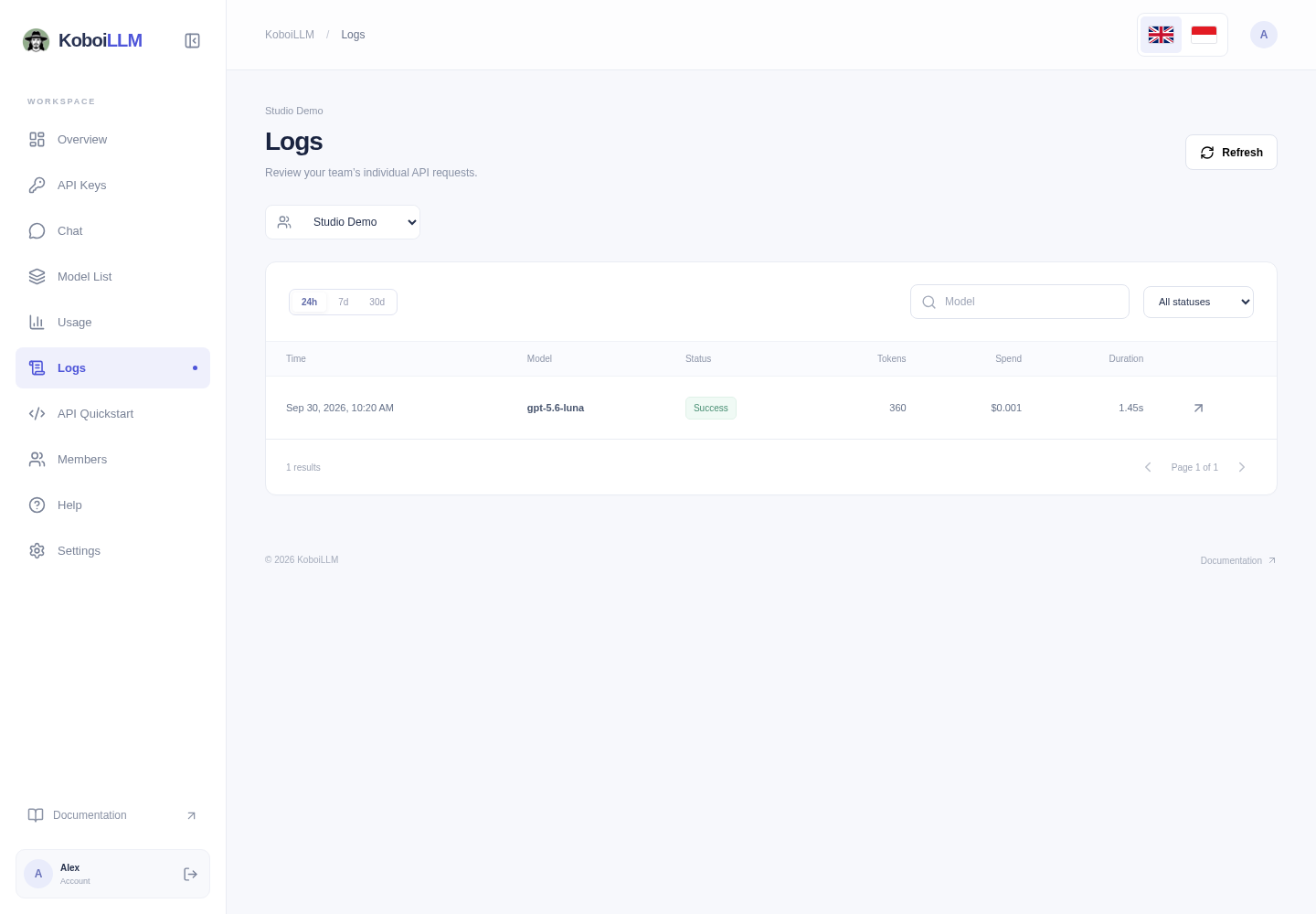
Open Logs, choose a time range, and filter by model or status. Rows show time, model, status, tokens, spend, and duration. View details opens the Request ID, key, input/output tokens, and recorded spend.
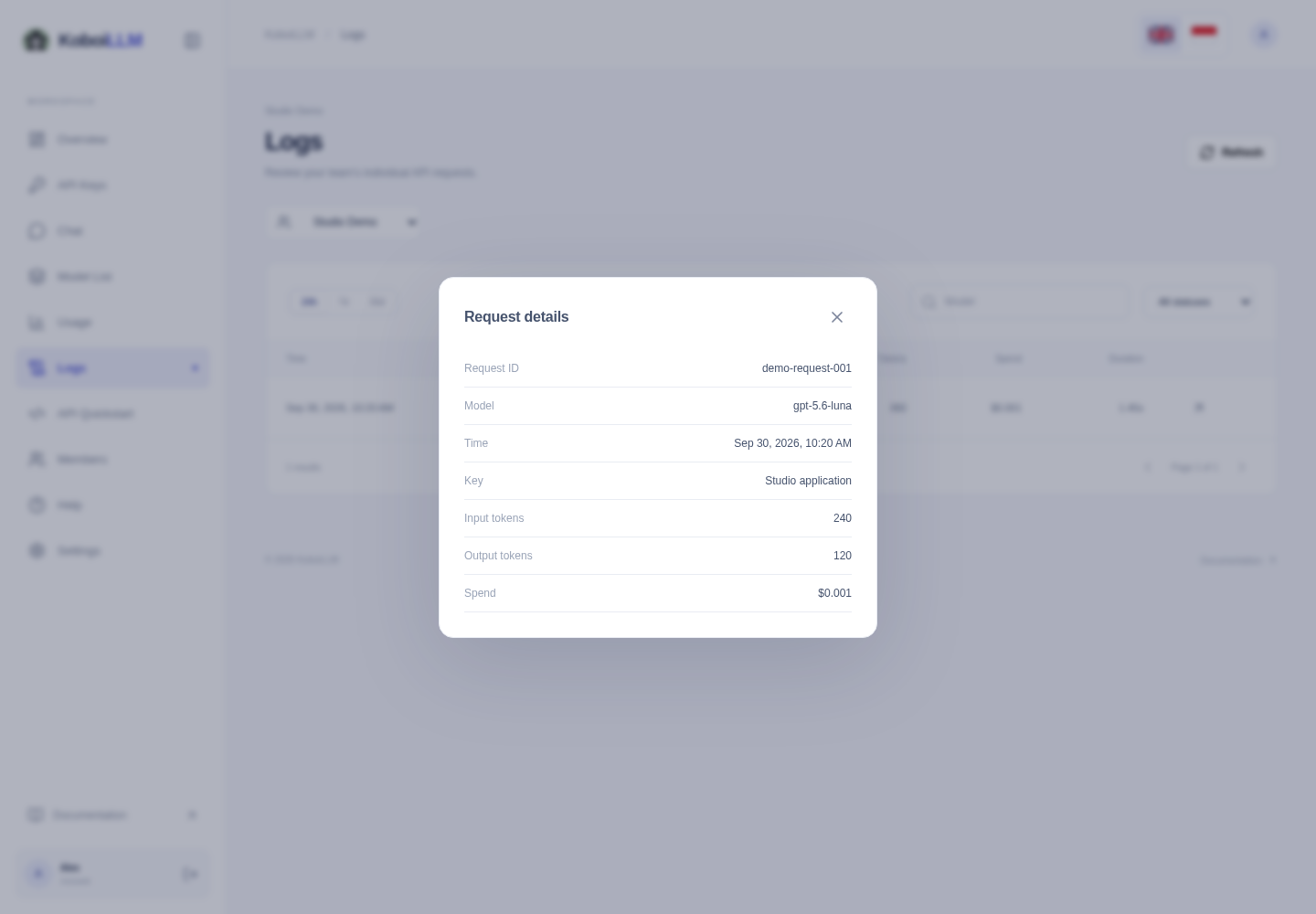
This view does not display prompt/response content or raw provider usage objects. For a billing question, send the Request ID, time, model, and displayed spend to support. Do not send your API key.