
Check Available Models
Model availability changes, and teams or keys can have different access. Use your account’s catalog instead of assuming every model mentioned in an older tutorial is available.
Browse the dashboard
- Open Model List and select your team.
- Search by name or use the Type filter.
- Copy the exact model name, including any prefix. The table also shows provider logos, type, input/output prices per million tokens, input context, and maximum output when metadata is available.
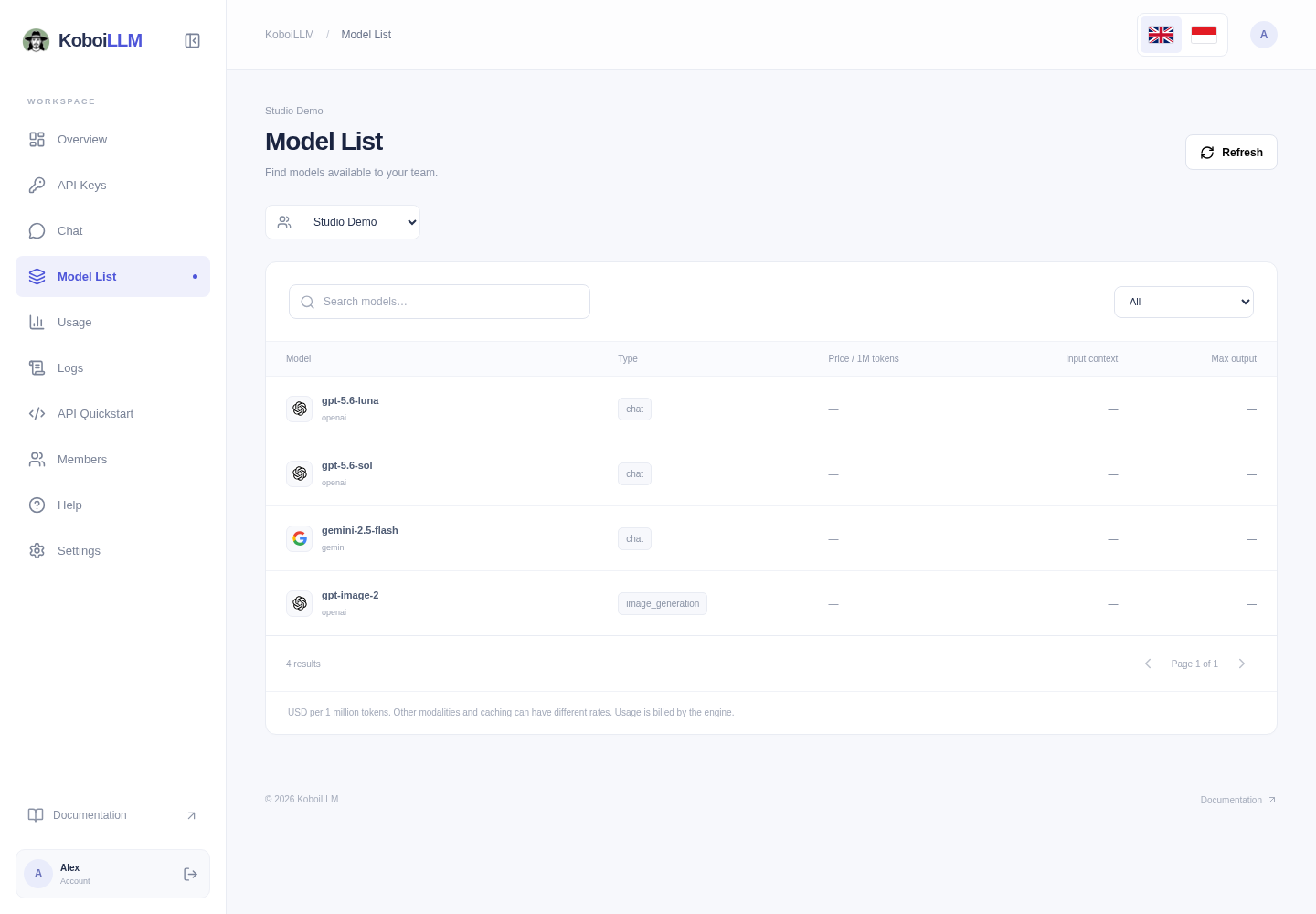
The token-price columns do not cover every image, audio, cache, or context-tier billing rule. — means the value is unavailable, not free. Check recorded request charges in Logs.
Entries marked (DISABLED), (SOLD OUT), and fake-openai-endpoint are hidden from the catalog and selectors. Historical usage can still contain those names.
Check a key’s access
A key restricted to specific models can have less access than the team catalog. Query using the key your application will use:
export KOBOILLM_API_KEY="sk-xxxxxx"curl https://api.koboillm.com/v1/models \ -H "Authorization: Bearer $KOBOILLM_API_KEY"Use a returned data[].id as your application’s model. API results may contain metadata or entries filtered by the UI; choose an active model compatible with your endpoint. Chat discovers models using the entered key. API Quickstart uses the team catalog and does not test your application key.