
Top Up Balance
KoboiLLM uses prepaid credit. Sign in to the dashboard, select your team, and choose Top up on the Available balance card in Overview or Usage.
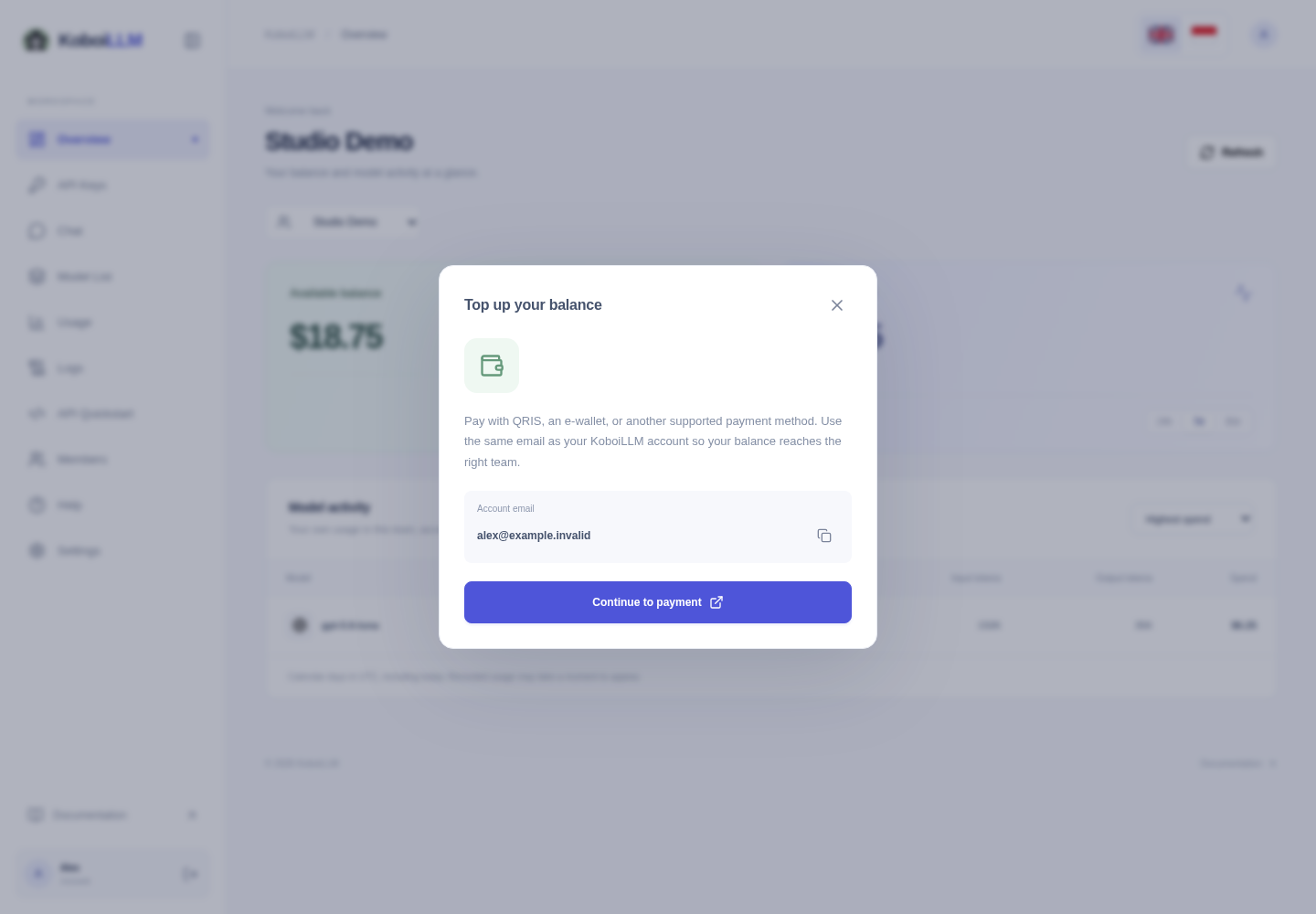
Pay from the dashboard
- Check the account email shown in the dialog.
- Select Continue to payment to open the Lynk checkout.
- Use your current KoboiLLM account email, including after an email change. Choose the amount and an available payment method, such as QRIS or an e-wallet.
- Once payment is processed, return to the dashboard, select the correct team, and refresh Overview → Available balance.
If you belong to multiple teams or the payment destination is unclear, contact support so the payment reaches the correct team. The dashboard team selector does not by itself select a Lynk payment destination.
Shopee orders or missing credit
For orders from the KoboiLLM Shopee store, contact support on WhatsApp. Include the order/transaction number, current account email, team name, amount, and payment time. Keep the payment receipt; do not send an API key or password.
You do not need a new account or key to top up the same account. If requests still fail after credit arrives, check for blocked/expired keys and key/member spending limits. See API Keys and Members & Budgets.