
API Key Creation
Open the KoboiLLM dashboard, choose the correct team, and select API Keys. Ordinary members can create keys owned by themselves in their team.
Create an application key
- Select Create API key.
- Enter a Key name, such as
My application. This field is required. - Key budget (USD) is optional. Setting it adds a separate spending limit for this key.
- Expiration defaults to No expiry. You can choose 30 days, 90 days, or 1 year.
- All Team Models is selected by default. To restrict access, remove that tag, search for models, and select specific entries. At least one selection is required.
- Select Create, then copy the key from Your new API key. Store it now: the full key is shown only once.
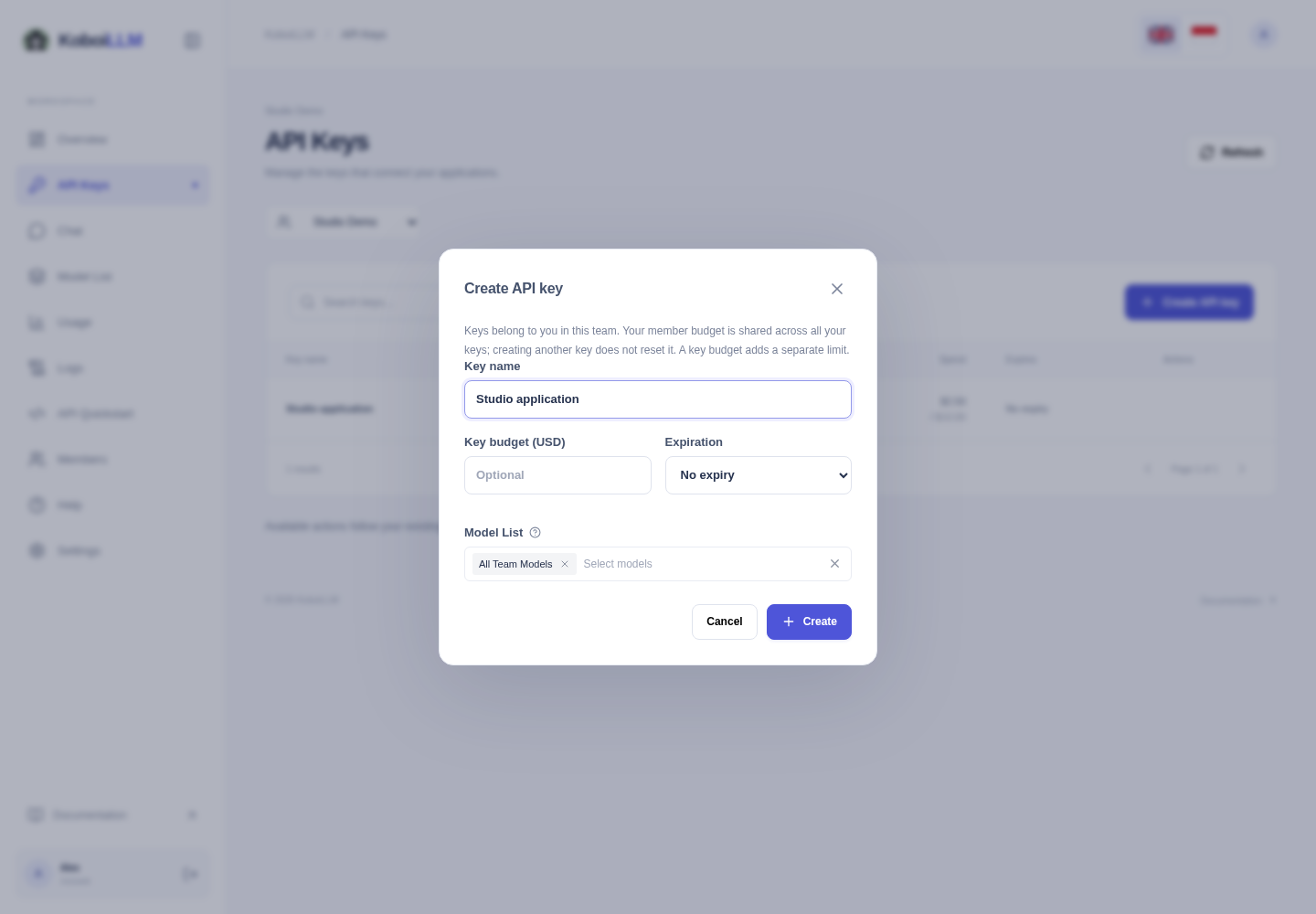
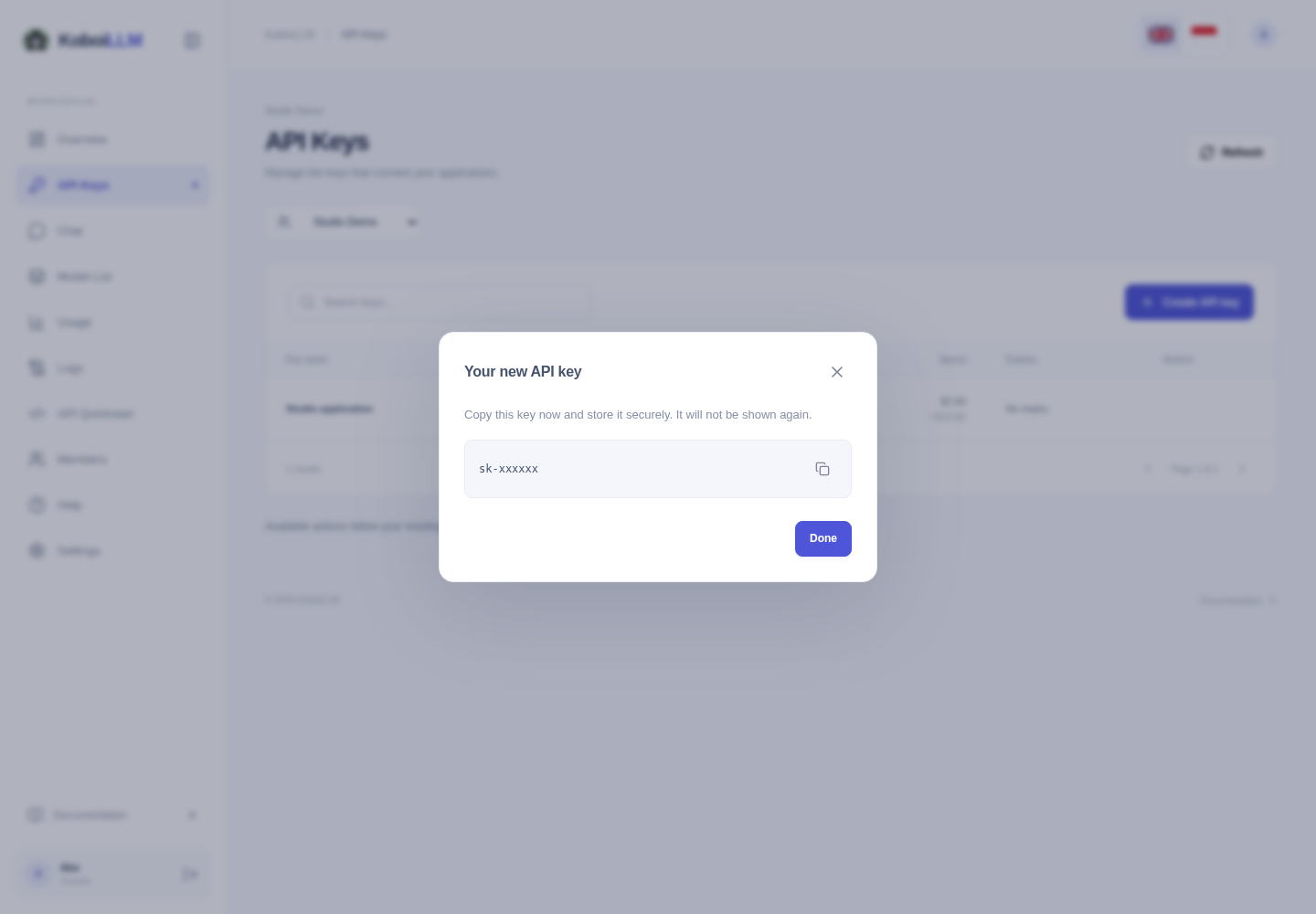
All Team Models follows the team’s model access; it does not unlock models outside that access. One key can work across providers when the model and endpoint are permitted. Copy exact model names from the Model List.
Understand spending limits
The team budget always applies. A member budget, when configured, is shared across all of that member’s keys in the team. Creating another key does not reset spending or add credit.
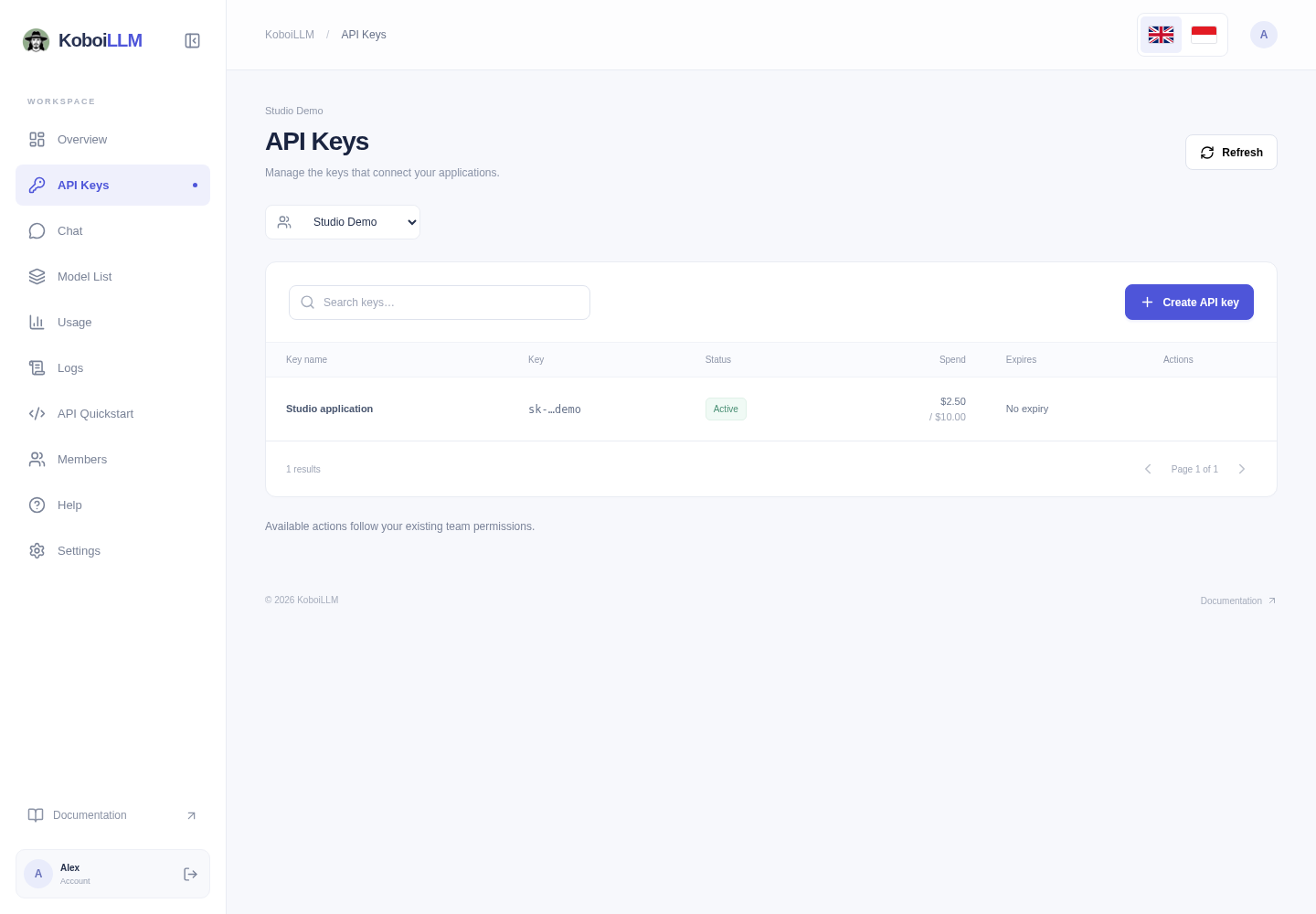
The key list shows status, spend, budget, and expiration. Rename, block/unblock, and delete actions appear according to your account permissions. Deleting a key stops access for applications using it.
Use your key
- Enter it in Chat to try an available model.
- Open API Quickstart to generate an integration example.
- Use
https://api.koboillm.com/v1as the OpenAI-compatible base URL.dashboard.koboillm.comis the account interface.
Keep keys in your server environment or an application’s credential store. Do not include them in screenshots, public repositories, or support messages.