
Team Management & Automation
Use Members to invite members, delegate Team Admin roles, and set ordinary members’ budgets. The full workflow is in Members & Budgets.
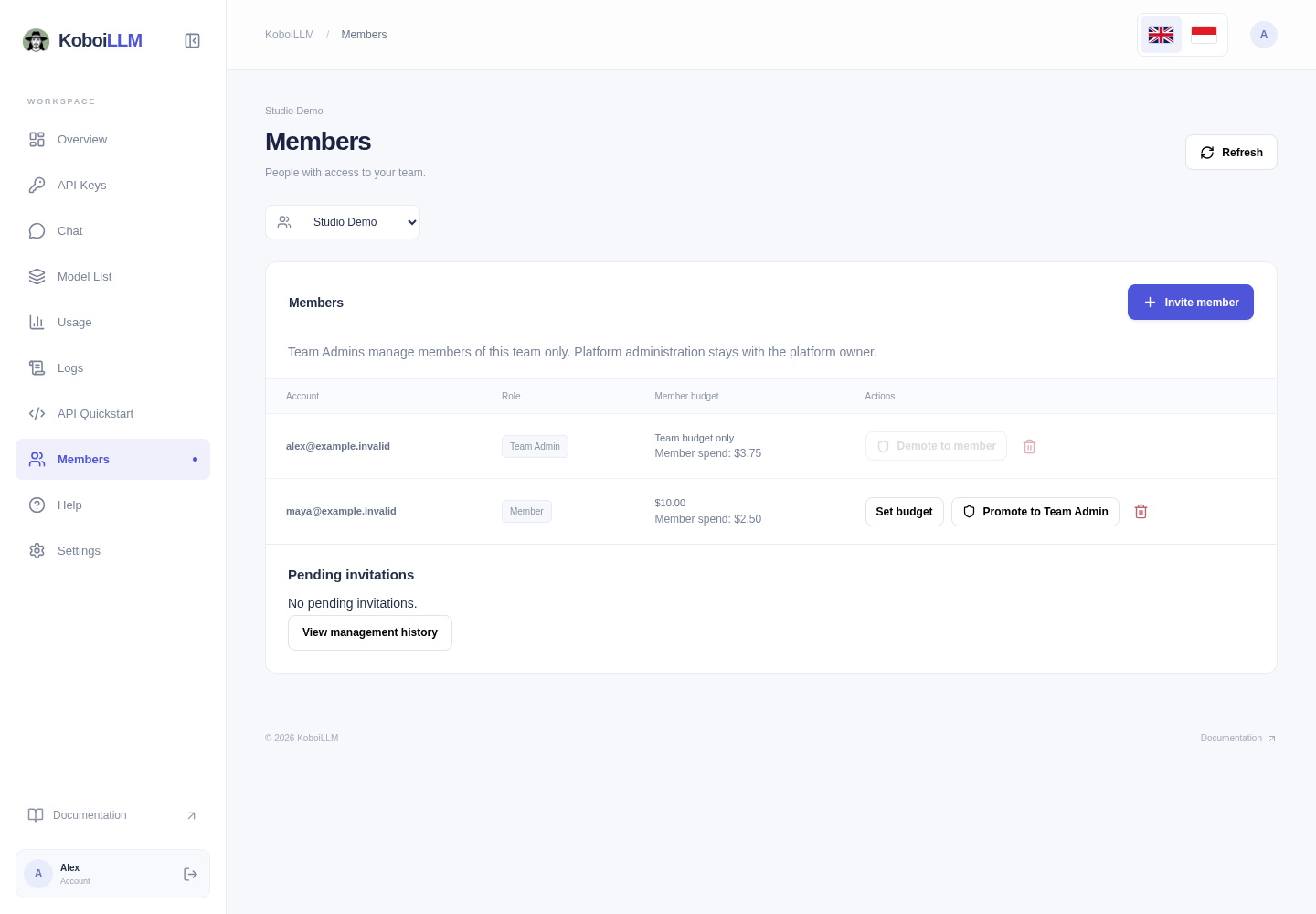
Dashboard roles and API credentials
| Access | What it means |
|---|---|
| Dashboard sign-in | Account session used for actions shown in the dashboard. |
| Dashboard Team Admin | Delegated member-management authority for one team. Does not grant a native platform/global role. |
| Application API key | Inference access within the key’s allowed models, routes, and budgets. |
| Separately authorized management credential | Only the routes and team scope explicitly granted by the platform administrator. Not issued automatically by promotion. |
Creating a key in API Keys does not create an unrestricted Team Management Key. Ordinary members create self-owned keys. Promoting someone to Team Admin does not authorize native /user/update, /team/update, budget resets, or management of another team.
Use the dashboard for common tasks
- API Keys: name a key, choose model access, set an optional budget and expiration, then copy the secret once.
- Members: send a recipient-bound invitation, promote/demote permitted members, remove a member, and set a shared member budget.
- Usage and Logs: review the data available to your account and inspect individual request charges.
- Top up: add prepaid credit through the payment flow.
Changing a member budget preserves existing spend and reset periods. Creating another key does not bypass the member or team budget. Removing a member also removes their keys in that team.
Request an automation integration
If you need programmatic provisioning or reporting, contact support with the team, required actions, and application. Confirm the exact routes and credential scope before implementing an integration. Do not copy browser session cookies or assume the dashboard’s internal requests are a public management API.
For an explicitly authorized native integration, follow the granted permissions and the management reference. Handle 401/403 failures without switching to a more privileged key. Keep ordinary inference credentials in your application’s credential store.