
Account Settings & Password
Open Settings to manage your profile and preferences. Changes apply to the signed-in account.
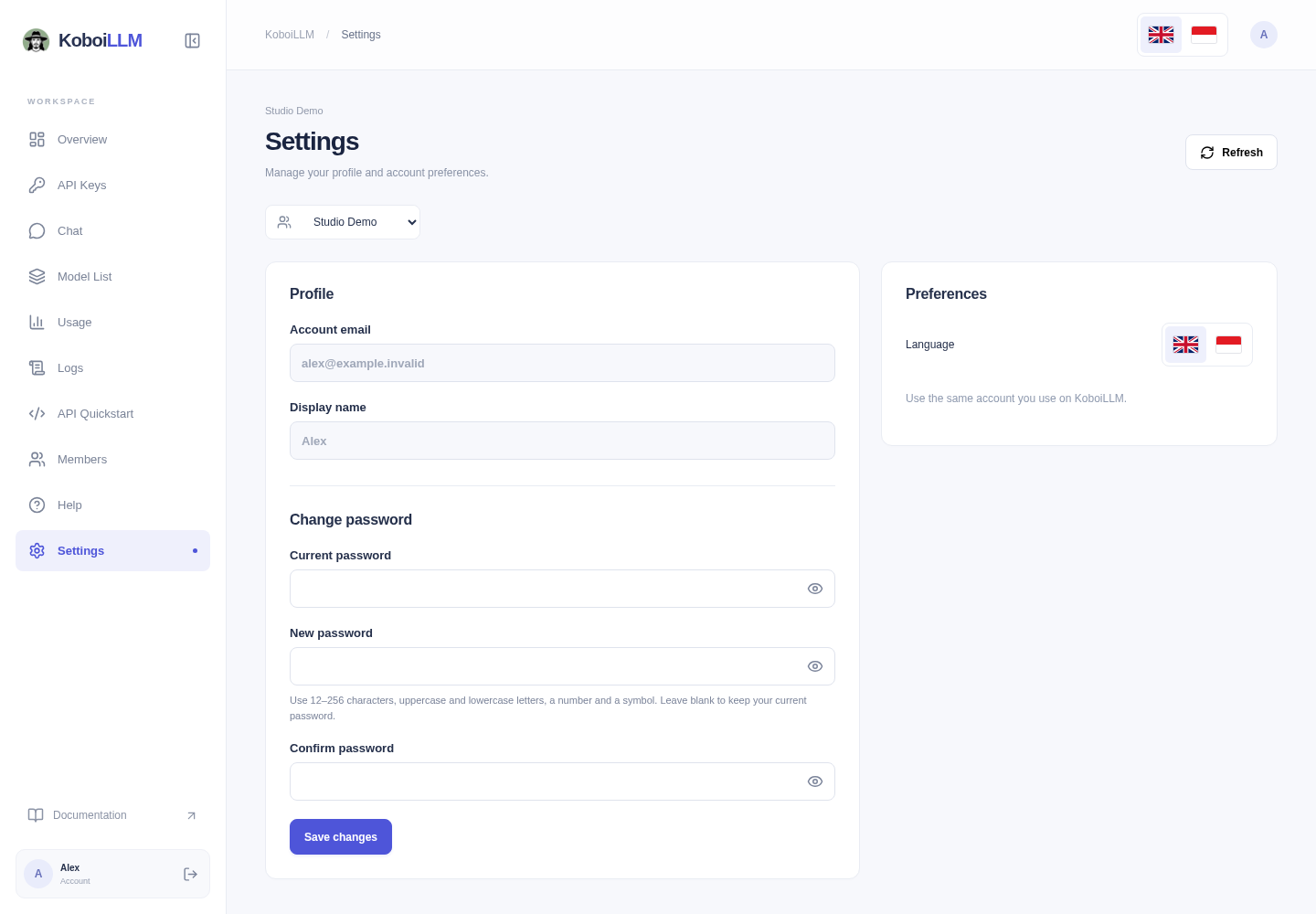
Profile and language
Account email is read-only here. Display name is also read-only for ordinary members; only platform administrators can edit it in this view. Contact support if your profile needs correction. Use your current account email for sign-in, invitations, and payments.
Use the flag buttons under Language or at the top. The language preference is saved in the current browser.
Change your password
- Enter Current password.
- Enter New password and Confirm password.
- Use 12–256 characters with uppercase and lowercase letters, a number, and a symbol.
- Select Save changes. Leave password fields blank if you do not want to change it.
If you forgot your current password, use Forgot password? on the sign-in page. Recovery links expire and cannot be reused after success. A password-policy rejection allows correction while the link remains valid.
If a message says administrator passwords are managed separately, contact the platform administrator. Use Sign out in the account area when finished on a shared device.